
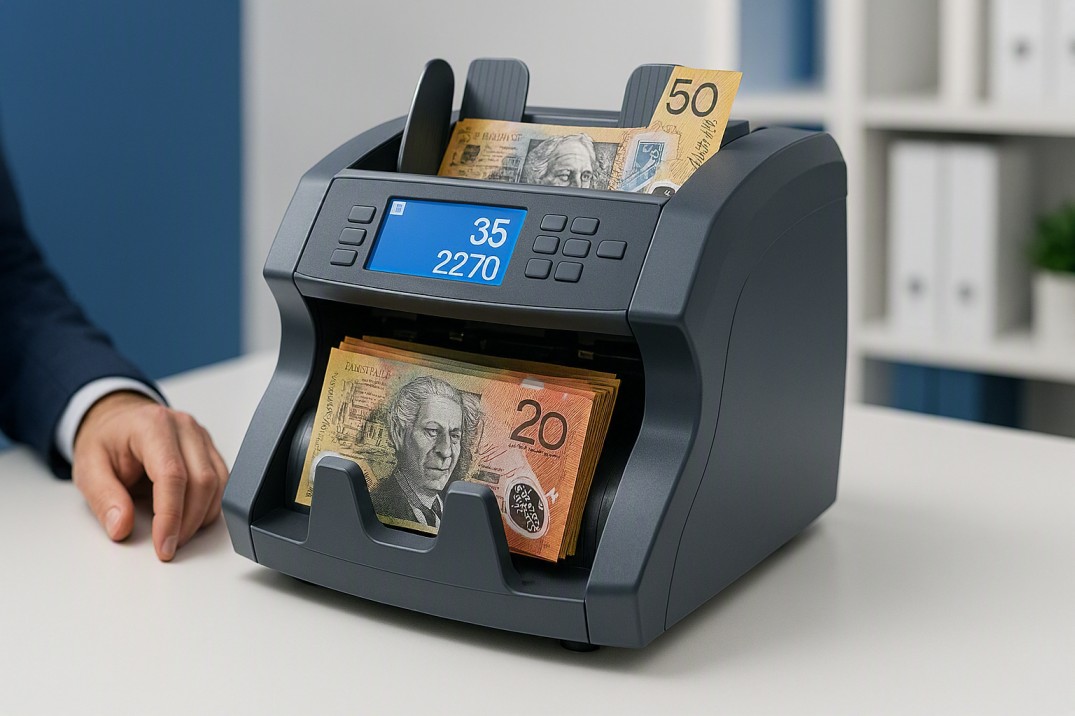
| 📋 Quick Answer
Using a cash counting machine correctly takes less than two minutes once you know the steps. Here’s the short version: 1. Power on and let the machine self-calibrate. 2. Select your counting mode (Count, Value, Batch, or Add). 3. Fan and align your notes before loading. 4. Load the hopper and let the machine run. 5. Read and record the result from the display. 6. Check the reject pocket for flagged notes. 7. Clear and clean between sessions. The full step-by-step guide is below, including how to handle error codes, common mistakes to avoid, and how to get the most accurate count from worn or damaged notes. |
Before You Start: What You Need to Know
A cash counting machine — also called a money counter, cash counter, or notes counter — processes notes faster and more accurately than counting by hand. But like any piece of equipment, it works best when used correctly. Notes loaded the wrong way, a hopper overloaded, or a machine that hasn’t warmed up properly will give you inaccurate counts or trigger unnecessary error codes.
This guide covers the correct operating procedure for commercial cash counting machines — the kind used in Australian retail, hospitality, banking and gaming environments. The steps apply to the full Cashcom range, including the H110 Cash Counting Machine, H210 Money Counter and Sorter, LS-200, and LS-300. Where a step differs between models, we’ve called it out.
| 💡 A Day in the Life
It’s 10:30 pm. The restaurant has closed, and your closing manager is reconciling three tills. Without a machine, that’s 15-20 minutes of manual counting, recounting, and mental arithmetic — and even then, human error is a real risk after a long shift. With a Cashcom H110 on the bench, all three tills are counted, authenticated and recorded in under four minutes. The reject pocket flagged one note that turned out to be a damaged $50 — caught before it went to the bank. Reconciliation done, doors locked, staff home. |
Understanding Counting Modes
Before walking through the steps, it helps to understand which mode to select for your task. Commercial cash counting machines typically offer several modes accessible via buttons on the front panel:
| Mode | What It Does | When to Use It |
| Count Mode | Counts total number of notes in a stack | Any time you need a note quantity only |
| Value Mode | Counts mixed denominations and totals the dollar amount | Till reconciliation with mixed notes |
| Batch Mode | Counts to a preset number and stops automatically | Preparing floats or banking bundles |
| Add Mode | Accumulates running totals across multiple stacks | Counting in batches larger than hopper capacity |
| Sort Mode (H210) | Separates notes by denomination into output pockets | Preparing denomination-sorted banking |
The H110 and H210 both support Count, Value, Batch and Add modes. The H210 also supports Sort mode across its three output pockets. Refer to your model’s quick-reference card for the exact button sequence — Cashcom machines use clearly labelled front-panel controls.
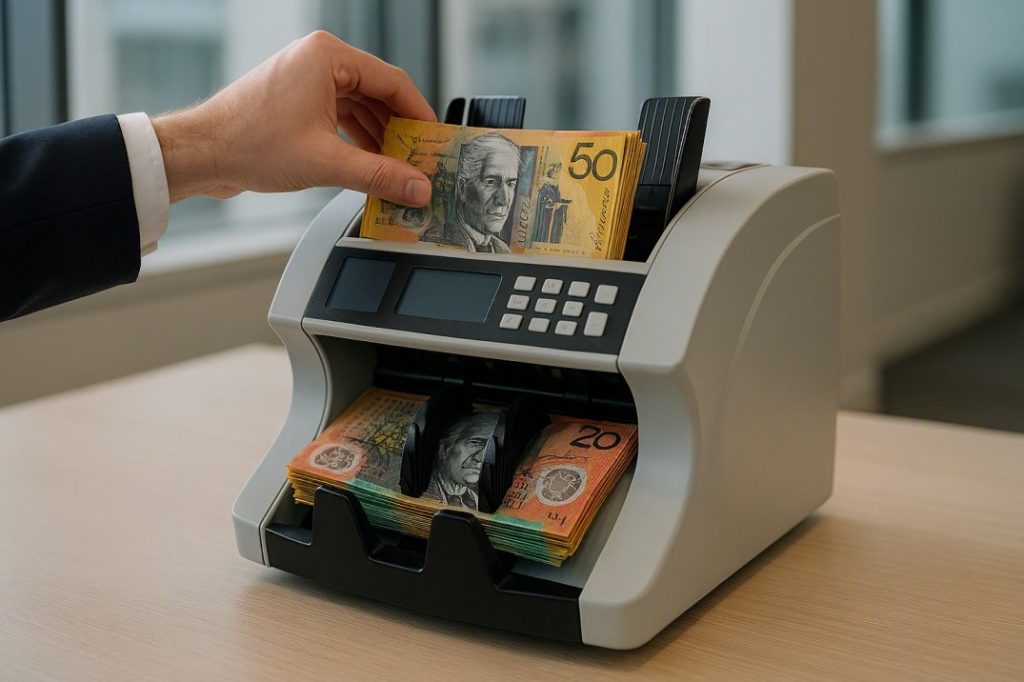
Step-by-Step: How to Use a Cash Counting Machine
| Step 1: Power On and Allow Self-Calibration
Plug the machine into a grounded power outlet and press the power button. Most commercial cash counting machines run a brief self-test on startup — you’ll hear the motor engage and may see a display initialisation sequence. Wait for this to complete (typically 5–10 seconds) before loading any notes. Do not load notes during the self-test cycle. Interrupting calibration can cause an inaccurate first count. 💡 Tip: Position the machine on a flat, stable surface away from direct air conditioning or fans — airflow can interfere with note feeding. |
| Step 2: Select Your Counting Mode
Press the MODE button (or equivalent on your model) to cycle through available modes until the display shows your required setting: • COUNT: for a straight note tally. • VALUE: to total mixed denominations in AUD. • BATCH: to count to a preset number (set your target batch size first using the number buttons). • ADD: to accumulate a running total across multiple hopper loads. On the H210, also select your sort destination if using Sort mode — the display will prompt you to assign denominations to output pockets. 💡 Tip: If you’re reconciling a till with mixed denominations, VALUE mode saves you a manual addition step — the machine totals the dollar amount directly. |
Read More: Cash Counter Machine: 7 Best Options for Australian Businesses
| Step 3: Prepare Your Notes
This step is where most counting errors originate, and it’s entirely preventable. Before loading the hopper: • Remove any staples, rubber bands, paper clips, or foreign objects from the note stack. • Fan the stack by bending it back and forth several times — this separates notes that may be stuck together and prevents double-feeds. • Align the stack so all notes face the same direction and the edges are flush. Cashcom machines accept notes in either portrait orientation (short edge leading) or landscape (long edge leading) depending on the model — check the loading arrow on your hopper. • Remove any notes that are very wet, heavily creased, or torn beyond the machine’s fitness tolerance. These can jam the transport or generate false reject flags. 💡 Tip: Heavily worn or polymer notes that have been folded sharply across their length are a common source of jams. Give them an extra fan and flatten them before loading. |
| Step 4: Load the Hopper
Place the prepared note stack into the hopper — the input tray at the top or rear of the machine, depending on your model. On the Cashcom H110, the hopper holds up to 500 notes; on the LS-200, up to 600 notes; on the K2 Cash Recycler, up to 1,000 notes. Do not exceed the rated hopper capacity. Overloading causes misfeeds and reduces count accuracy. If you have more notes than the hopper holds, use ADD mode to accumulate the total across multiple loads. Once the stack is seated, the machine will typically start automatically (auto-start is enabled by default on most Cashcom models). On manual-start models, press the START button after loading. 💡 Tip: On the H210, make sure the three output pockets (2 sorted exits + 1 reject) are clear before loading. Full pockets will interrupt the count mid-run. |
| Step 5: Read and Record the Result
When the machine finishes counting, the display shows the result. Depending on the mode selected: • COUNT mode: displays the total number of notes counted. • VALUE mode: displays the total AUD value of the mixed-denomination stack. • BATCH mode: displays the batch count and stops automatically when the target is reached. • ADD mode: displays the running cumulative total. Record the result before clearing the display or loading the next stack. On the H110 and H210, the serial number log captures each note’s serial number in real time — this data is accessible via the LAN, USB or Serial port for audit purposes. 💡 Tip: If your result looks unexpectedly low, check the reject pocket before re-counting — flagged notes removed mid-run will reduce the final tally. |
| Step 6: Check the Reject Pocket
The reject pocket collects any notes that failed the machine’s counterfeit or fitness checks. After every count run, check this pocket as a standard part of your procedure. A note in the reject pocket doesn’t automatically mean it’s counterfeit — it means it triggered one of the machine’s detection checks. Common reasons a genuine note ends up in the reject pocket include: • Heavy soiling or ink contamination affecting MG or IR detection. • Sharp folds or creases that confuse the CIS sensor image. • Very worn notes where UV-reactive features have degraded. • Genuine counterfeits — which should be set aside and reported. Always inspect rejected notes manually under UV light or with a counterfeit detection pen before accepting or returning them to circulation. On the H110, the reject pocket holds up to 100 notes; on the H210, rejected notes are directed to the dedicated reject output pocket. 💡 Tip: Train all staff to treat the reject pocket check as non-negotiable, not optional. A jammed reject pocket will stop the count — and a missed counterfeit is a direct loss. |
Read More: Cash Counting Machine Australia: The Ultimate Buyer’s Guide 2026
| Step 7: Clean and Store the Machine
Consistent cleaning is the single biggest factor in machine longevity and count accuracy. Dust, polymer residue and debris from worn notes accumulate on the sensors over time, increasing false rejects and counting errors. • After each session: use the supplied soft brush to clear debris from the transport channel and hopper. • Weekly (or every 20,000 notes): use a dry or lightly damp (not wet) microfibre cloth to wipe down the sensor housing. Never use solvents, alcohol, or compressed air directly on sensors. • Monthly: run a cleaning card through the transport path if your model supports it. Store the machine covered when not in use to prevent dust accumulation on the sensors. If the machine is in a kitchen-adjacent or high-humidity environment, allow it to reach room temperature before use each session. 💡 Tip: The LS-300‘s vertical-path design is specifically engineered so debris falls clear of the sensor array during operation — a genuine maintenance advantage for high-volume, all-day use. |
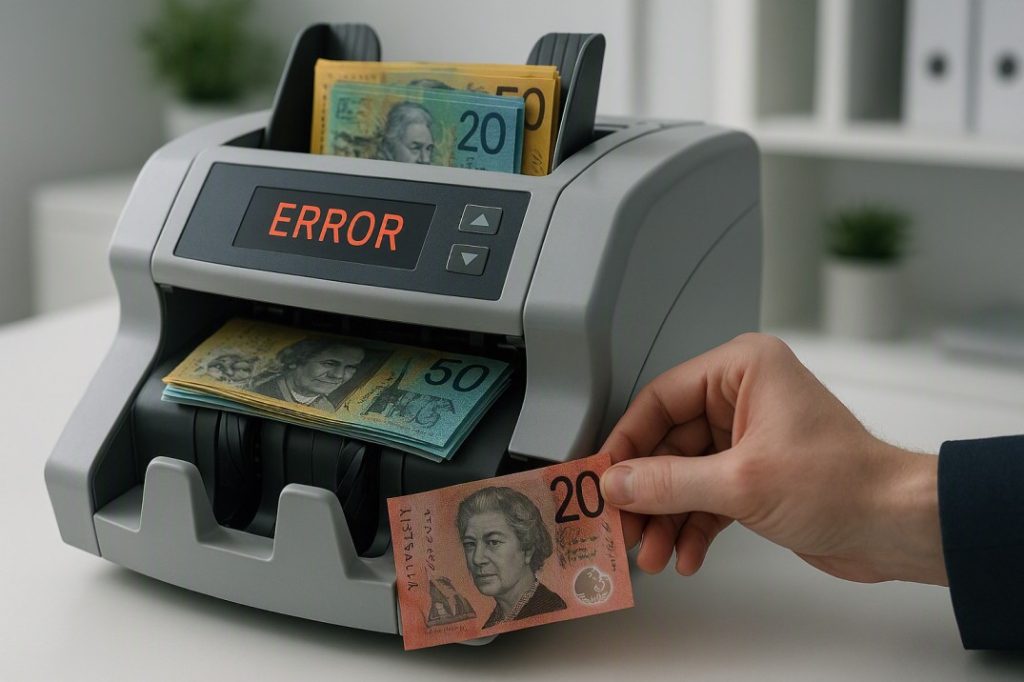
Common Error Codes and What They Mean
Commercial cash counting machines display error codes when something needs attention. Here are the most common ones and how to respond:
| Display / Symbol | What It Means | What To Do |
| ERR or ERROR | General hardware or sensor fault | Power off, wait 10 seconds, power back on. If persistent, contact Cashcom. |
| JAM or FEED ERR | Note jammed in transport path | Open the access panel, remove the jammed note carefully, reload and retry. |
| HALF NOTE / CHAIN | Note fed at angle, or two notes fed together (chained) | Remove stack, straighten and separate notes, re-fan, reload. |
| UV / MG / IR ERR | A note has failed one or more counterfeit detection checks | Remove the rejected note from the reject pocket and check it manually or under UV light. |
| FULL | Stacker or reject pocket is at capacity | Remove and clear the relevant pocket, then resume counting. |
| ADD or BATCH | Machine is in add or batch mode — not an error | Check display settings; switch counting mode if needed. |
| ⚠️ When to Call for Service
If error codes recur after a power cycle and note check, or if the machine is producing inconsistent counts on notes you’ve verified as clean, don’t continue counting — inaccurate counts are worse than no counts. Contact the Cashcom service team on 0451 353 676 or at sales@cashcom.com.au. Cashcom provides local servicing across Australia, which means faster turnaround than shipping a machine interstate or overseas. |
The Most Common Mistakes — and How to Avoid Them
- Skipping the note fan: The most frequent cause of double-feeds and jams. Always fan your stack before loading, even if the notes look well separated.
- Overloading the hopper: Each model has a rated capacity — exceed it and you’ll get misfeeds. Use ADD mode to accumulate totals across multiple loads instead.
- Ignoring the reject pocket: A reject pocket left unchecked can fill up mid-run and stop the count, or result in a flagged counterfeit being missed.
- Loading damaged notes without inspection: Heavily torn, wet or folded notes should be flattened or excluded before counting. Forcing problem notes through increases wear on the transport mechanism.
- Counting in the wrong mode: Running a mixed-denomination till reconciliation in COUNT mode (rather than VALUE mode) means you get a note quantity, not a dollar total — a common source of reconciliation confusion for new staff.
- Not clearing the display between batches: In ADD mode this is intentional; in COUNT or VALUE mode, failing to clear between stacks means the next count adds to the previous rather than starting fresh.
| 💡 Quick Calculation
A stack of 200 mixed-denomination notes takes the average person around 4–5 minutes to count accurately by hand, including a recount for verification. A Cashcom H110 processes the same stack in under 20 seconds. Across a business running two cash counts per day, six days a week, that’s roughly 8–9 hours of staff time returned each month — time that goes back into service or operations. |
Frequently Asked Questions
| Question | Answer |
| Can I count different denominations in the same run? | Yes — use VALUE mode. The machine identifies each note’s denomination and totals the combined dollar amount automatically. Make sure denomination recognition is calibrated for current AUD notes on your model. |
| Why is my cash counting machine rejecting genuine notes? | The most common causes are sensor contamination (clean the sensor housing), heavily worn or folded notes (fan and flatten before re-running), or the machine detecting a note that has degraded UV or MG security features. Check the rejected note under UV light before returning it to circulation. |
| How accurate are commercial cash counting machines? | Commercial machines like the Cashcom H110 and H210 are rated for near-100% counting accuracy under normal conditions. Accuracy drops when notes are heavily soiled, folded across their length, or when the sensor housing hasn’t been cleaned regularly. |
| How often should I clean my cash counting machine? | Clear debris from the transport channel after every session with the supplied brush. Wipe down the sensor housing weekly or every 20,000 notes. Run a cleaning card monthly if your model supports it. |
| Can I use the machine straight out of the box? | Most Cashcom machines are pre-configured for AUD polymer banknotes and ready to use after powering on. Check the quick-start guide included in the box, and contact Cashcom on 0451 353 676 if you need help with initial setup or denomination calibration. |
| What should I do if the machine keeps jamming? | Fan your note stack more thoroughly before loading, remove any damaged notes, and check that you’re not exceeding the hopper capacity. If jams continue after those checks, clean the transport path and contact Cashcom for a service assessment. |
Need a Cash Counting Machine, or Help With Yours?
Whether you’re setting up your first machine or troubleshooting an existing one, the Cashcom team can help — from model selection to local servicing across Australia.
Call: 0451 353 676 | Email: sales@cashcom.com.au | Web: cashcom.com.au
About the Author
This article was prepared by the Cashcom Team, Australian Cash Handling Specialists since 2015. Cashcom supplies and services cash counting, sorting and recycling equipment for retail, hospitality, banking, gaming and cash-in-transit businesses across Australia.
Get in touch: 181 Parramatta Rd, Haberfield NSW 2045 | 0451 353 676 | sales@cashcom.com.au | cashcom.com.au